Facebook Lite is a streamlined version of the Facebook app that uses less data than the standard application. It is designed to give users with a limited data connection an easier way to access their accounts. If you have a slow internet connection, you'll notice right away how much faster Facebook Lite loads content.
Data usage management
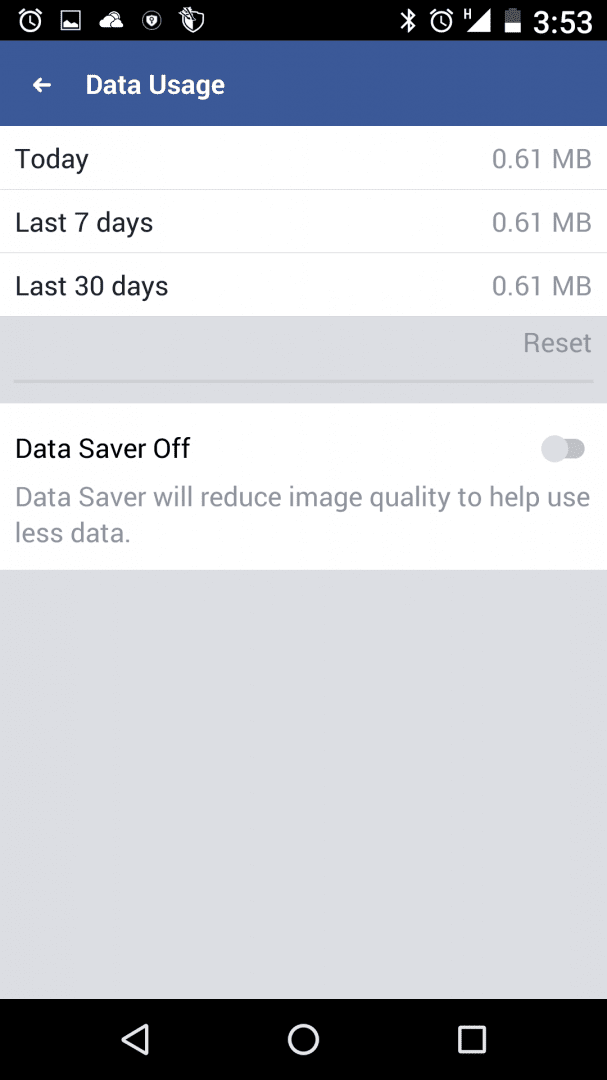
If you have a very small data allowance, you can also go to the Data Usage menu to reduce image quality. This decreases Facebook Lite's data consumption even further and helps images load faster, although visual quality is visibly reduced as a result.Core features remain intact
While it drops some of the heavier graphical features found in the standard app, all the core functionality remains available. You can still browse your news feed, post status updates, interact with friends, and see new content from the pages you follow. You can even access your own pages from within the main menu.Integrated messaging
Interestingly, Facebook Lite even includes a built-in Messenger app. If you've used the standard Facebook app before, you know that the platform usually pushes you to install Messenger as a standalone application.
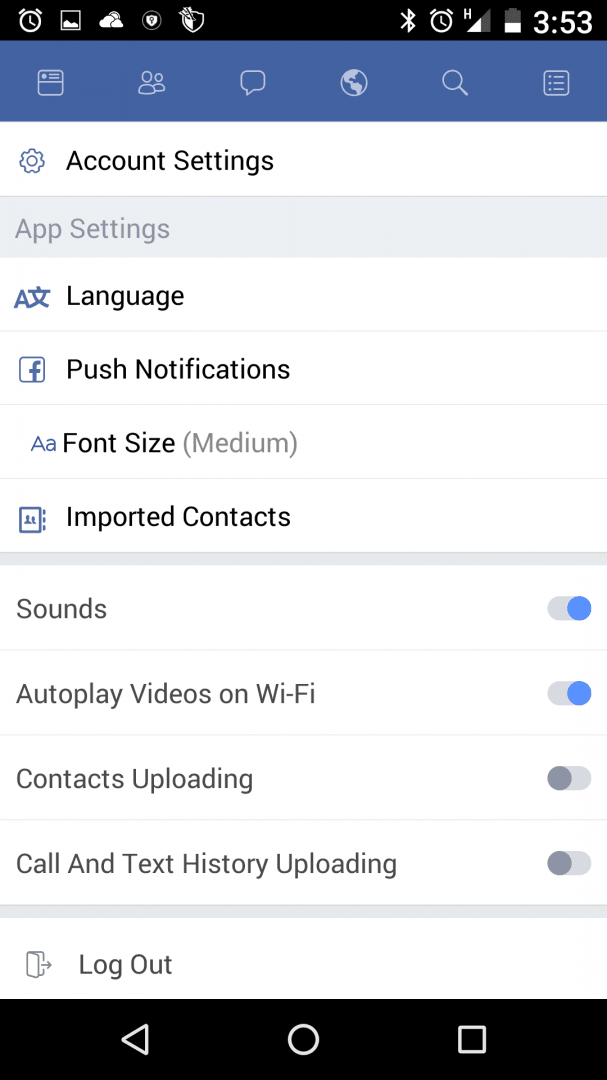
With Facebook Lite, you no longer need to have both apps installed. You can get by with just one. By default, push notifications are sent to your device each time you receive a message as well.Ideal for older devices
Facebook Lite works perfectly for users on older devices or those dealing with strict data caps. It loads faster on slow internet connections, uses less battery, and the user interface fits neatly on displays of all sizes, especially smaller screens.